Step-by-Step Login/Registration Process
1. Go to the official MPSC Online portal | mpsc student login
Open your browser and visit the MPSC Online website: mpsc student login
mpsconline.gov.in
Visit the official site: MPSC Online – Candidate Login
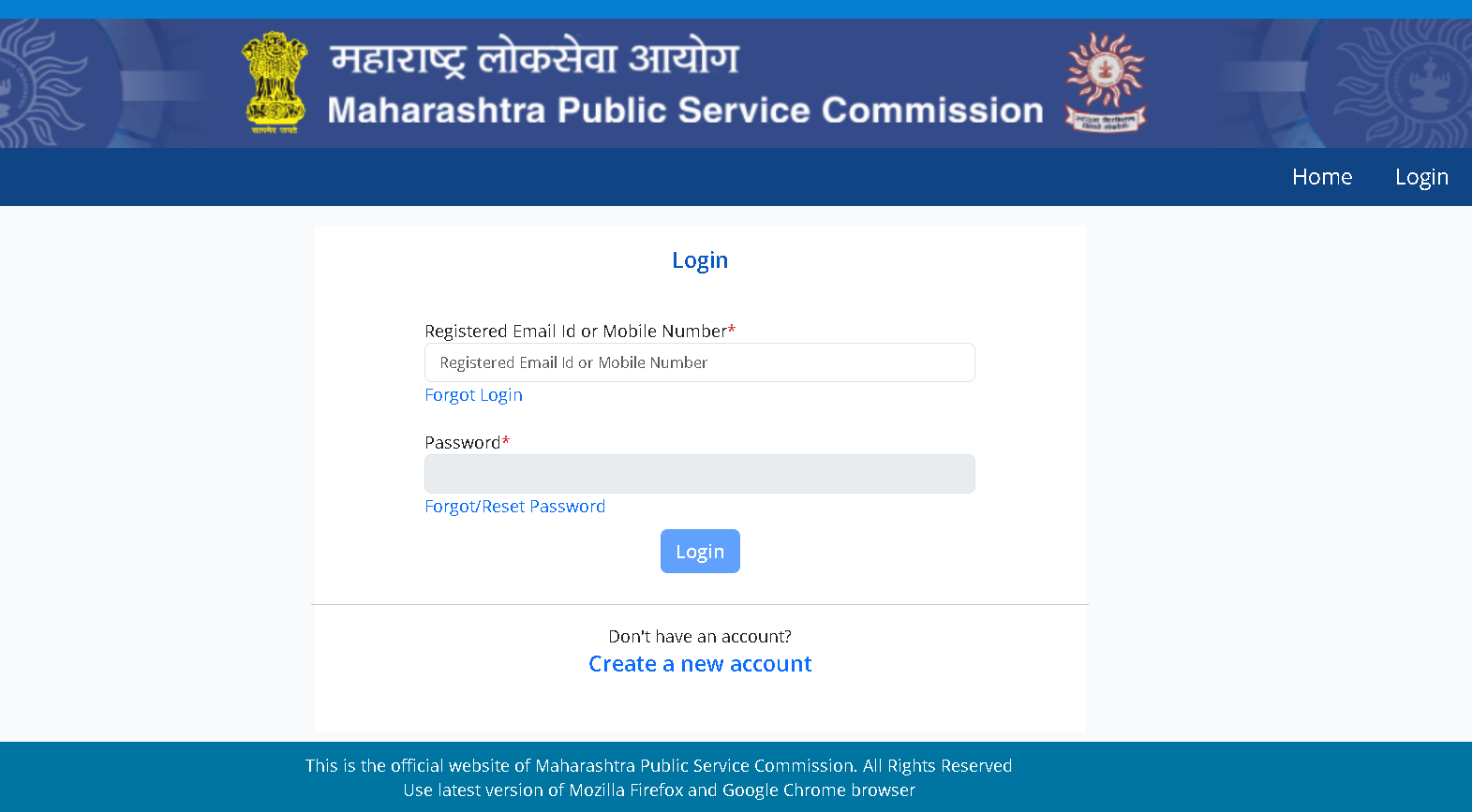
This is the portal where you can register, log in, apply for exams, and download admit cards.
⭐ If you already have an account
-
Click on “Login”.
-
Enter your registered mobile number or email ID.
-
Type your password.
-
Click Login to access your dashboard.
Forgot password?
Just click “Forgot Password”, enter your mobile/email, and reset it using the OTP.
⭐ If you are a new user (first-time registration)
-
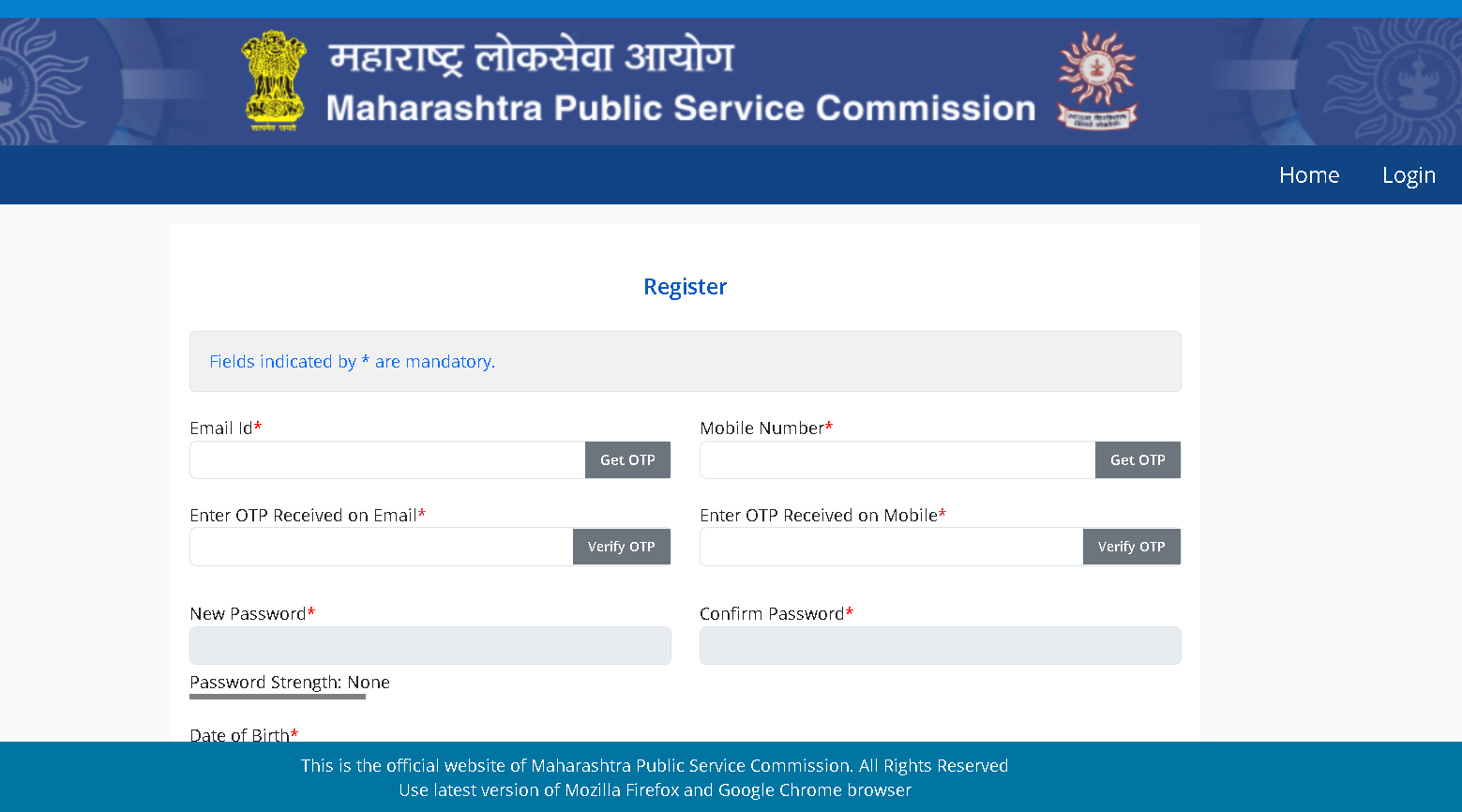
On the login page, click “New User Registration” or “Create a New Account.”
-
Fill in the required details:
-
Full Name
-
Mobile Number
-
Email ID
-
Create a strong password
-
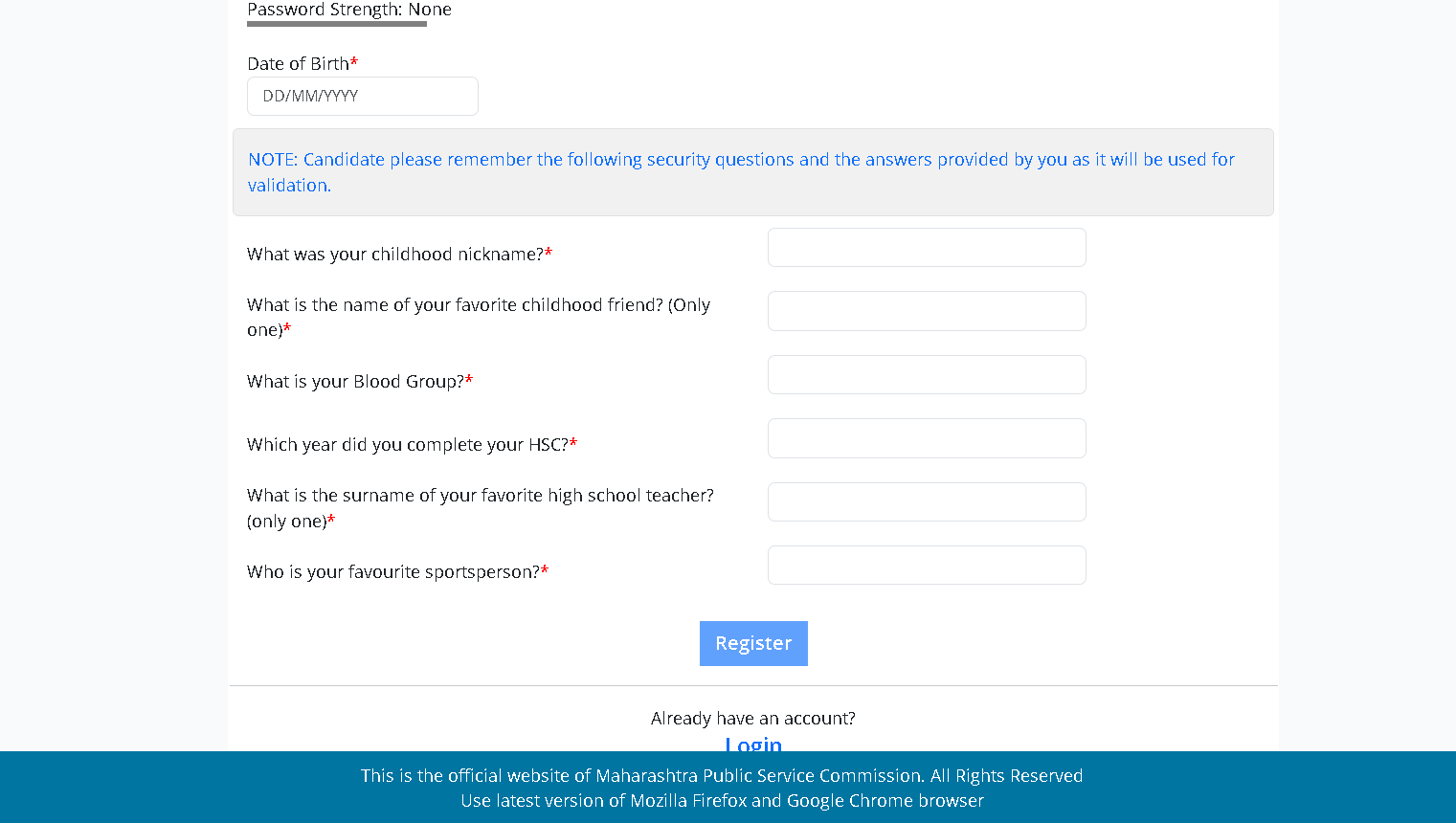
Personal details (DOB, address, etc.)
-
-
Click Submit.
-
Verify your mobile or email (if required).
-
After successful registration, you can log in using your new credentials.
⭐ What you can do after logging in
Once you enter your MPSC dashboard, you can:
-
Update your profile
-
Upload photo and signature
-
Check current exam notifications
-
Apply for any MPSC exam
-
Download admit cards
-
Check results
-
Track your applications
Helpful Tips
-
-
Use Chrome or Firefox for best performance.
-
Keep your mobile number active for OTPs.
-
Always log out after use, especially on shared computers.
-
Make sure your photo and signature follow MPSC guidelines.
-